
Devel in Drupal: A Known Tool for Devs, A Secret Gem for Marketers

Drupal is renowned for its powerful tools that can accomplish massive tasks in mere moments. These tools become indispensable allies for developers and marketers. They can provide help in anything from bulk-updating content across the website to running scheduled tasks or triggering automated actions. Their philosophy is simple: take the weight off the team and handle the heavy lifting.
One standout in this category is the Devel module. Its very name suggests “for developers,” and indeed, it equips them with advanced capabilities that make building and debugging far more efficient.
However, it goes far beyond that. In this post, we’ll highlight what Devel offers to devs while also uncovering some surprising ways marketers can benefit from it. Finally, we’ll walk through a step‑by‑step configuration example, focusing on a marketing use case that resonates across audiences. Ready to “devel”? Let’s start.
The key features of the Devel module in Drupal
Generating large numbers of dummy content or users
One of the most recognized capabilities of the Devel module is its speed in producing large amounts of sample data. In just moments, the module can generate content, users, comments, taxonomy terms, media items, menus, and block content.
The generated data is realistic enough to simulate a working site: content comes with authors, publishing dates, tags, and even placeholder images. Text fields are filled with the classic “Lorem ipsum” filler, giving the content a consistent look while clearly marking it as dummy data.
This feature is invaluable for developers and site builders who need to test layouts, performance, or workflows without relying on real content. For marketers, too, it transforms into a testing ground rich with insights we’ll discuss in this post.
Entity information access
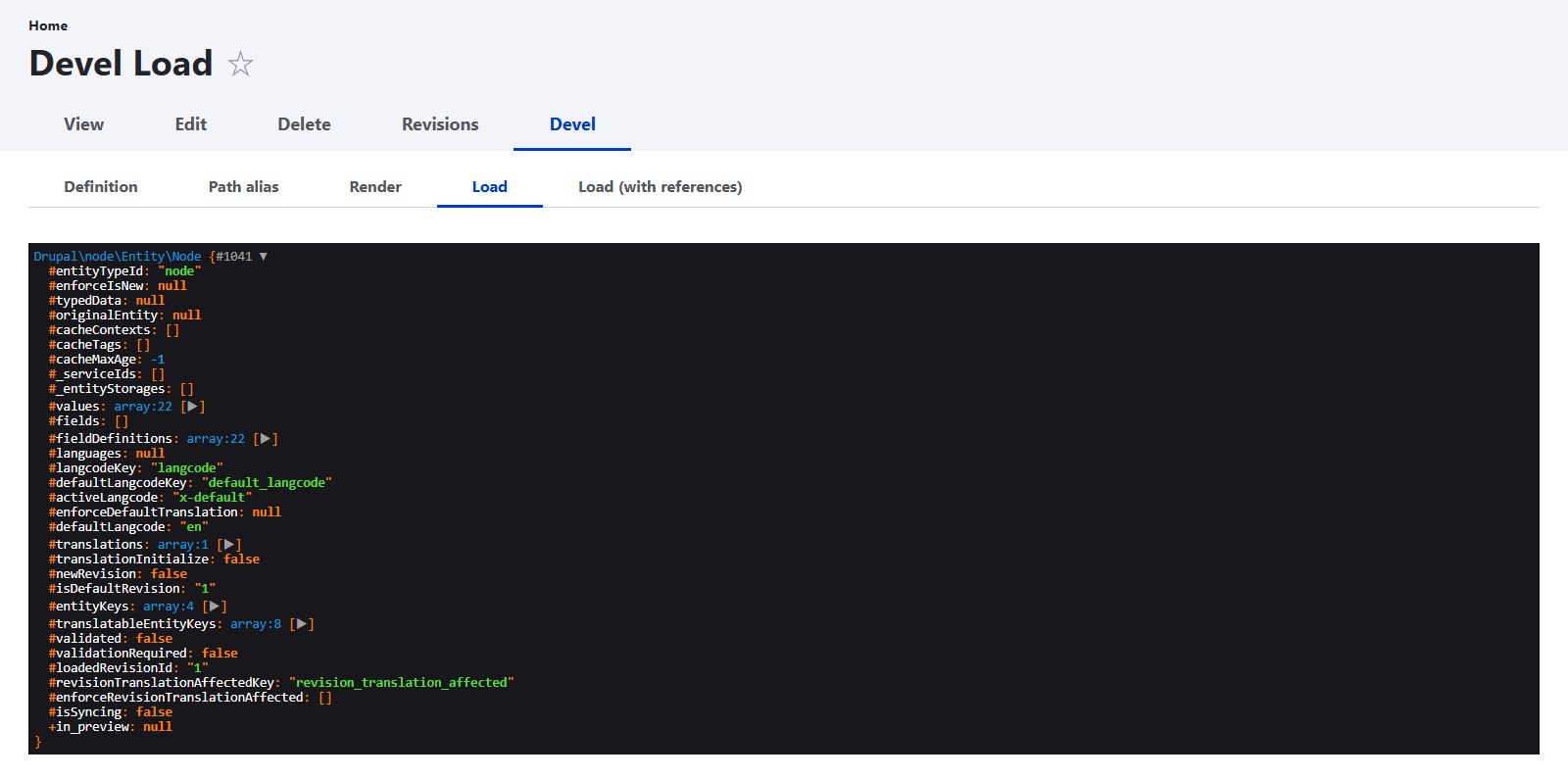
For every entity, the module provides a special “Devel” tab with several subtabs that reveal its internal properties. They include details such as the entity definition, path alias, render output, and load options (with or without references).
Even without the tab, developers can inspect entity data directly through URLs like /devel/paragraph/n. This is useful for debugging and understanding how entities are structured.
Drush integration
The Devel module provides several commands for the Drush command-line tool. They assist developers in inspecting hooks, events, tokens, UUIDs, and Devel services, speeding up repetitive tasks and giving developers deeper insights.
Variable inspection
The module offers debugging functions like dpm($variable) to display structured information about variables during development.
SQL query debugging
The tool includes helpers for developers to output queries and to print backtraces for deeper debugging, making it easier to troubleshoot database interactions and performance issues.
A user switcher
The module enables developers to switch identities and act as other users. This is especially useful for testing permissions, roles, and user experiences without logging in/out repeatedly.
Mail redirection system
Devel provides a mail-system class that captures outgoing emails and saves them to files instead of sending them, preventing accidental delivery during development or testing.
The Kint debugging tool integration
Kint is a popular PHP debugging library that provides a clean, interactive way to inspect variables and arrays. In earlier versions, Devel included support for Kint directly, but this has now been moved into a separate Kint module.
By default, Devel uses Symfony’s Var‑Dumper, but developers who prefer Kint’s style can enable it by installing the dedicated module. This change, available from July 2025, gives developers the flexibility to choose the debugging output that best fits their workflow.
How the Devel module can help Drupal marketers
Even though Devel is best known as a developer tool, it delivers real value to marketing, communications, and content teams.
Seeing content in context before launch
Marketers often need something tangible to review — but real stories, photos, or profiles may not exist yet. With Devel Generate, teams can create dozens of sample articles, volunteer or donor profiles, program pages, or event listings.
This allows marketers to:
- scroll through pages instead of imagining them
- Check text and image balance
- test Layout Builder sections, Drupal Views grids, and card-based designs
By seeing content at a realistic scale, teams can answer questions like:
- “Will this directory still feel friendly at 200 profiles?”
- “Does this campaign page handle long titles gracefully?”
“Do three-column grids work with varying content lengths?”
Refining content structure early
Generated content makes it obvious when data models need adjustment. Sample content lets marketers spot issues such as:
- missing fields (like needing a “short tagline” in addition to Title + Body)
- text that is too long or short (like bios capped at 400 characters)
- absent metadata needed for filtering or categorization
Addressing these issues before launch saves time and avoids last-minute fixes.
Simplifying approvals
Having dummy content directly supports proposal decks, screenshots, and walkthroughs that can be presented to leadership and stakeholders. This builds confidence, speeds approvals, and helps make informed decisions.
Cleaner placeholders and safer cleanup
When teams don’t have a generation tool, they often fill the site by hand with placeholders like “Test article 1” or half-finished draft content. These items look similar to real content, occasionally get shared by accident, and are annoying to hunt down later. With Devel Generate, sample content is never disguised as real marketing material.
Example use case: volunteer profiles directory
A nonprofit plans to launch a volunteer program with the “Meet Our Volunteers” directory. But right now, volunteers haven’t filled out forms yet, profiles do not exist, and images and bios haven’t been collected.
Marketers still need to show leadership what the section will look like, test Layout Builder/view displays, check if content feels inspiring, balanced, and scannable, and see whether filters, categories, and cards make sense.
Using Devel, a site builder (or light technical admin):
- creates the Volunteer content type (or user role)
- sets up fields (photo, bio, role, impact area, location, and so on)
- uses Devel to quickly add a dozen volunteer profiles, random names, sample bios, and placeholder images.
Now marketers can:
- Open the directory page
- view cards, grids, filters
- test Layout Builder variations
decide what’s missing, like: “bios are too long,” “we need tags for programs,” or “add a highlight field like 'hours volunteered'.”
How to generate content with the Devel module in Drupal
Content generation with Devel is straightforward. If the module is installed and the needed content type already exists, you can skip to Step 3. However, this needs to be done with caution.
1. Installing the Devel module
Install the Devel module on your Drupal website. The recommended way is to use the Composer command-line tool with the following command:
composer require drupal/devel
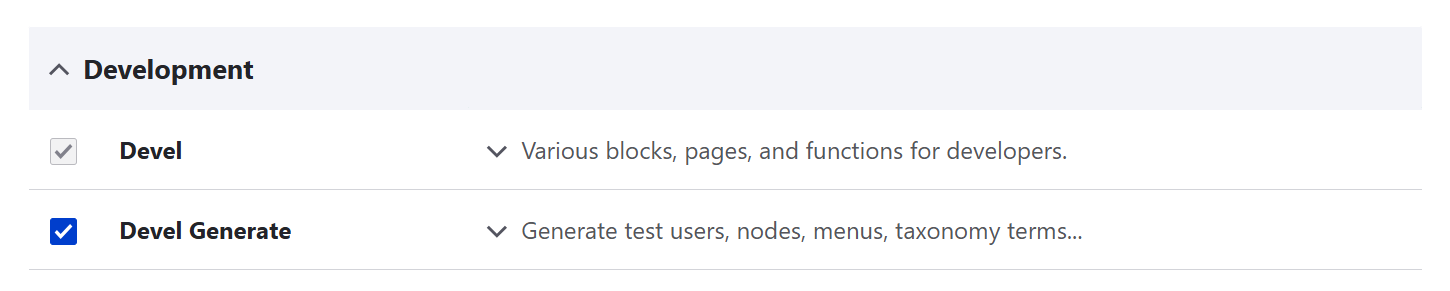
Enable the module on the Extend tab. It comes packed with the Devel Generate submodule, which you’ll also need to enable to use the content generation feature.
2. (Optional) Preparing your content type
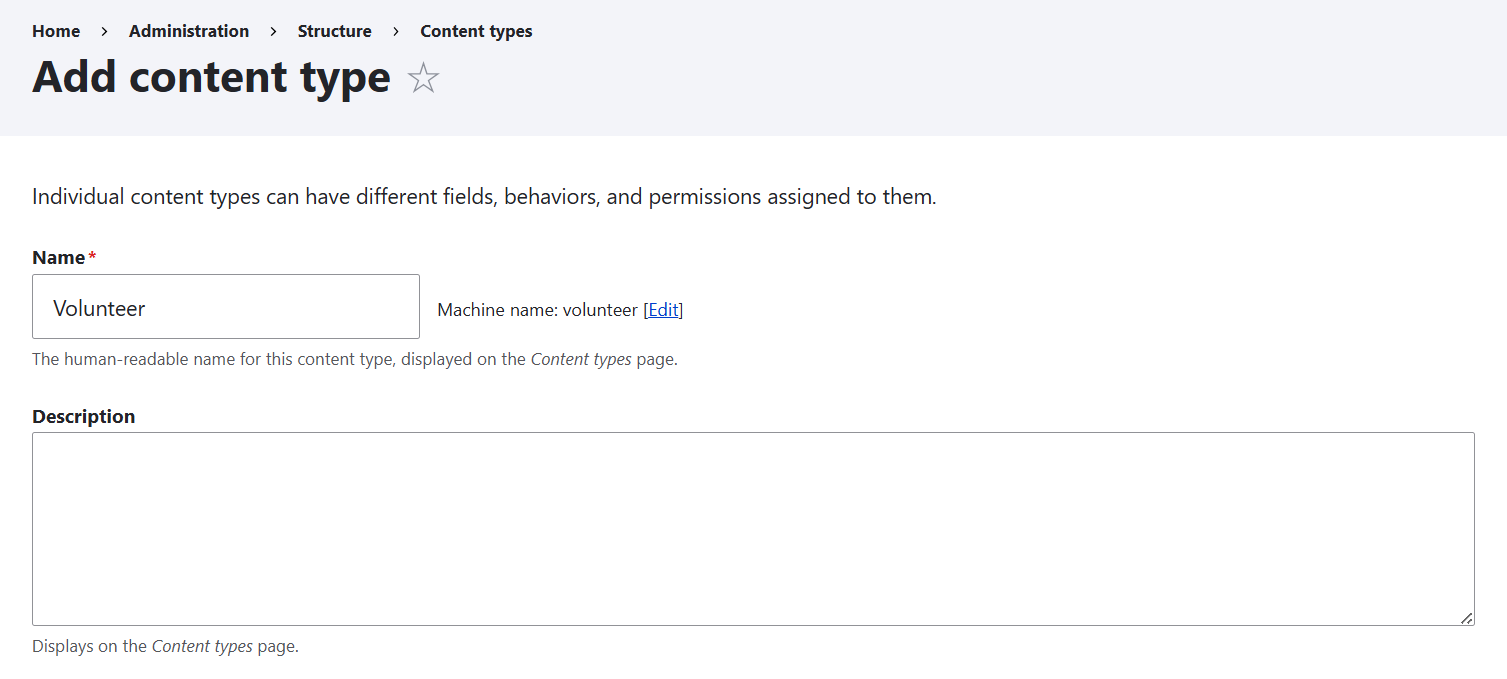
If you don’t yet have the content type you want to generate content items for, go to Structure > Content types > Add content type. In this example, the new content type will be named “Volunteer.”
Add fields to the content type:
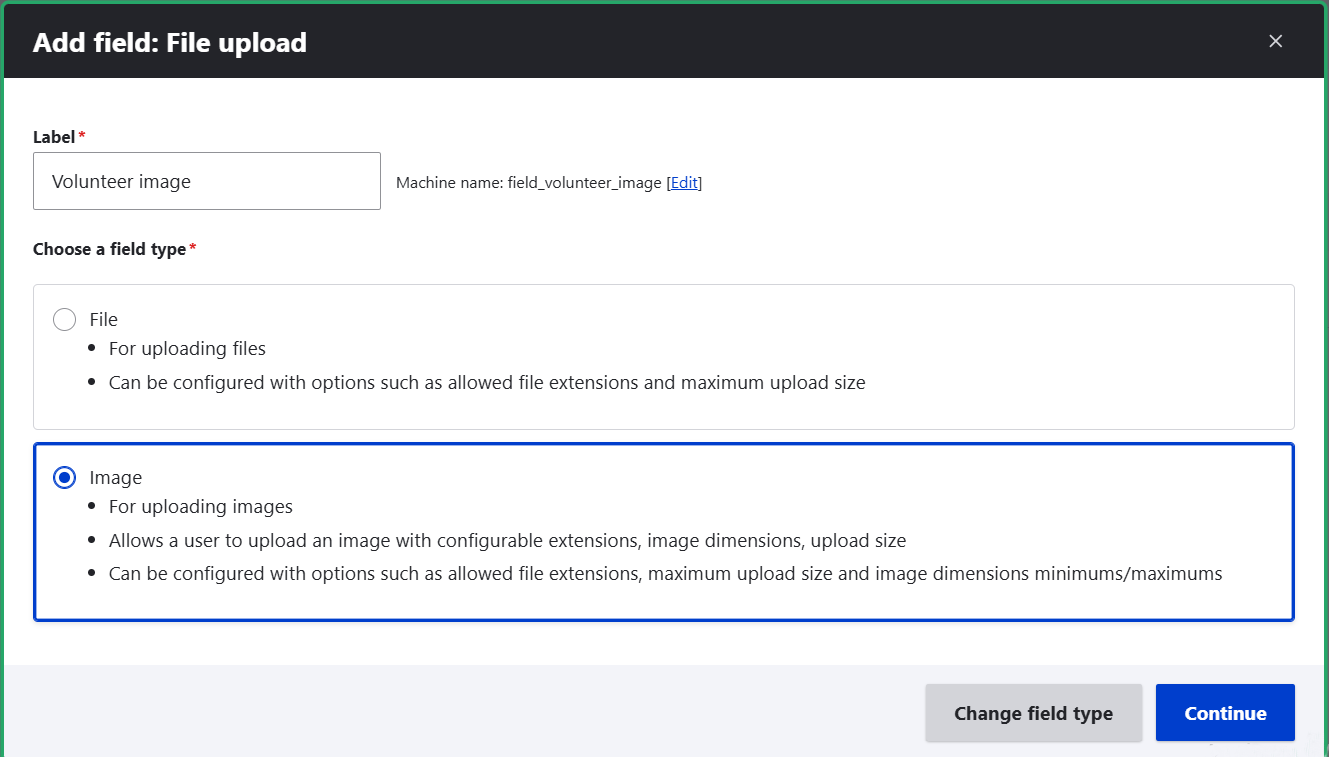
- Volunteer image (the “image” field type)
- Bio: (the “long formatted text” field type)
Impact area: (a reference” field type — referring to a taxonomy vocabulary “Impact areas”)
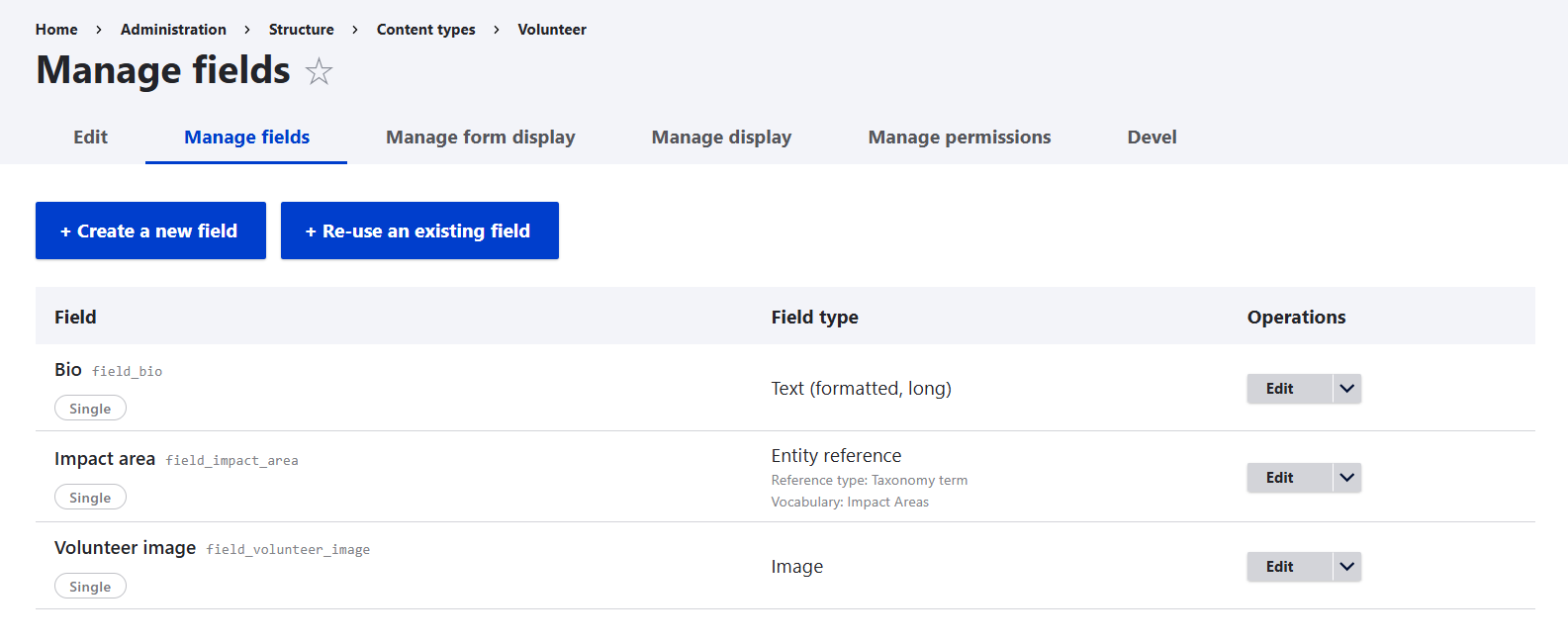
To add a field, click “Add field” on the “Manage fields” tab of the content type, select the field type, and finalize the setup. If needed, read more about the process of creating fields in Drupal.
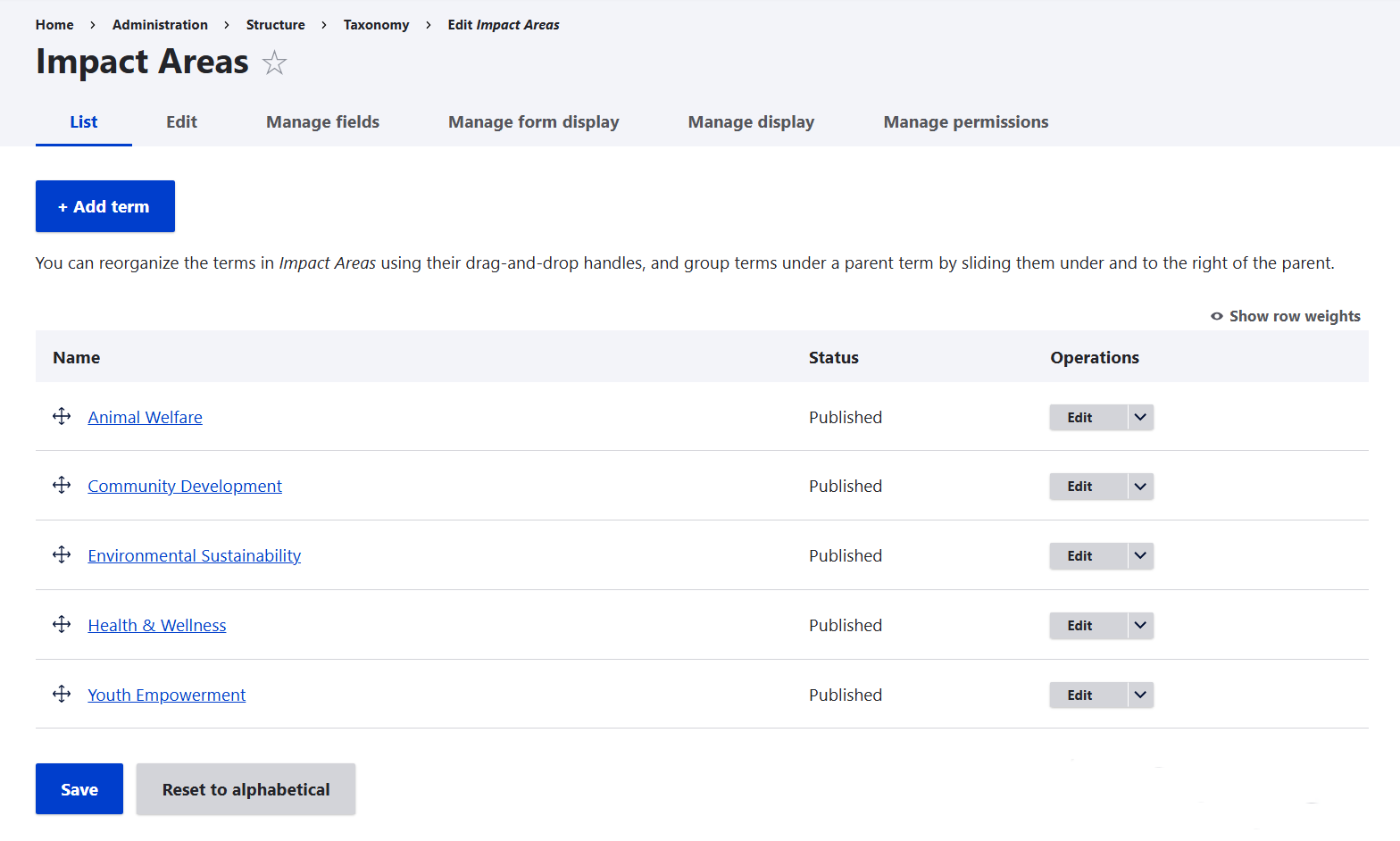
For the “Impact area” field, you’ll first need to create a taxonomy vocabulary by going to Structure > Taxonomy > Add vocabulary. In this example, volunteer impact areas will be added as terms. As a result, each volunteer will be assigned an impact area automatically by Devel when we generate content.
3. Generating content with Devel
Go to Configuration > Development > Devel generate. It lists the types of entities available for bulk generation.
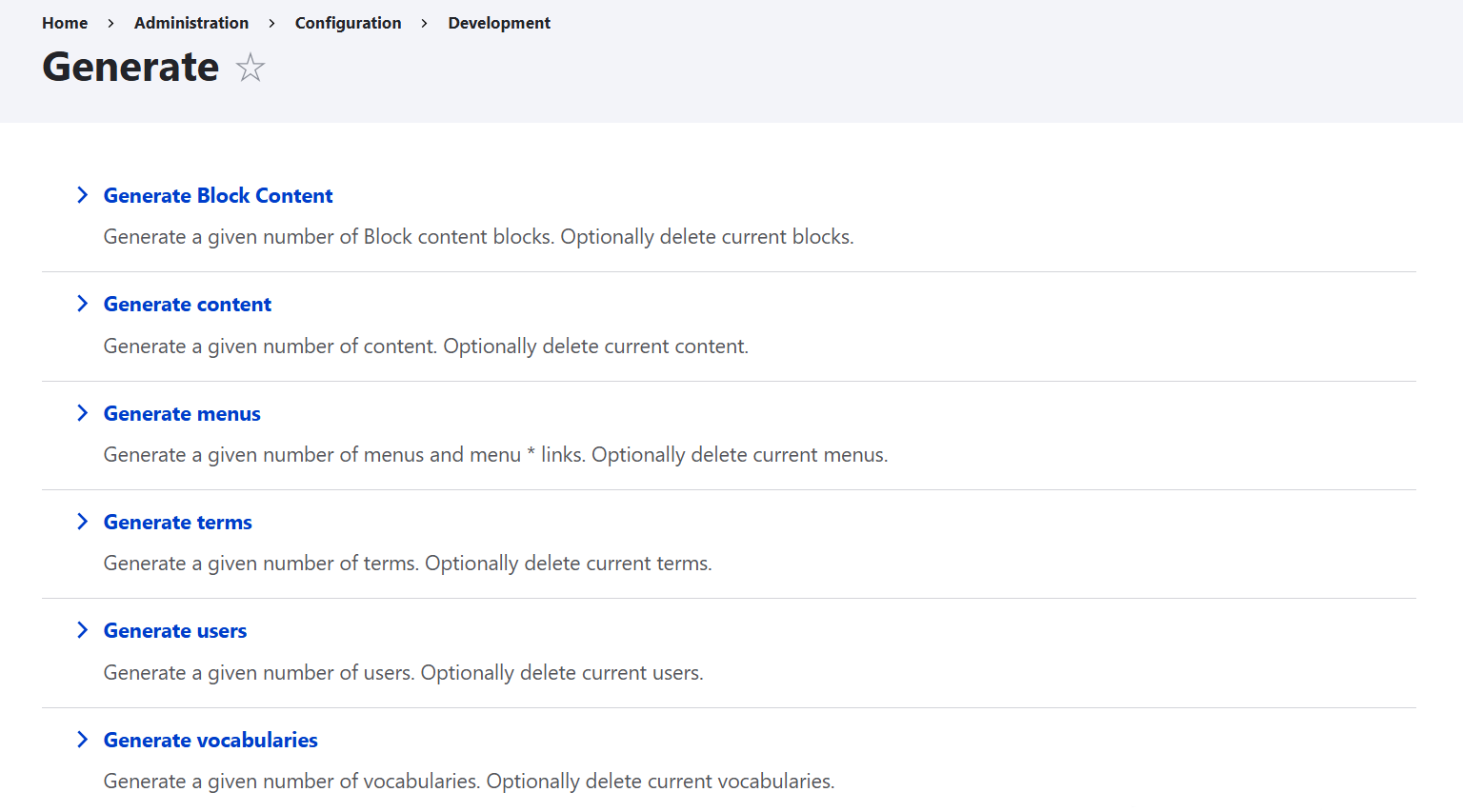
Select “Generate content,” and you’ll land on the page where you can specify details like:
- specific content type
- the number of items
- How far back should the content be dated
- maximum number of comments per content item (if comments are enabled)
whether you want to delete all existing content before generating new content of a certain type
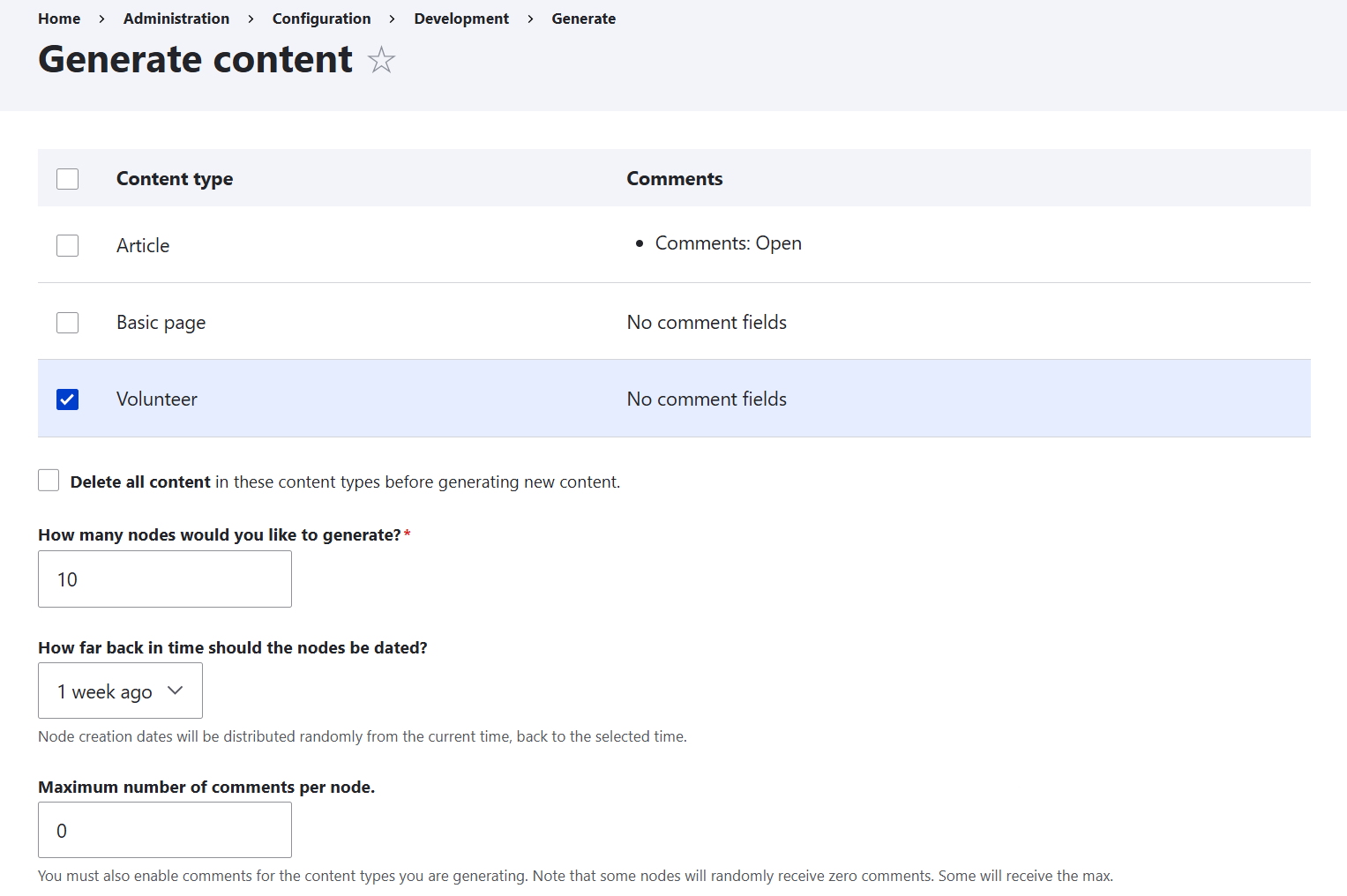
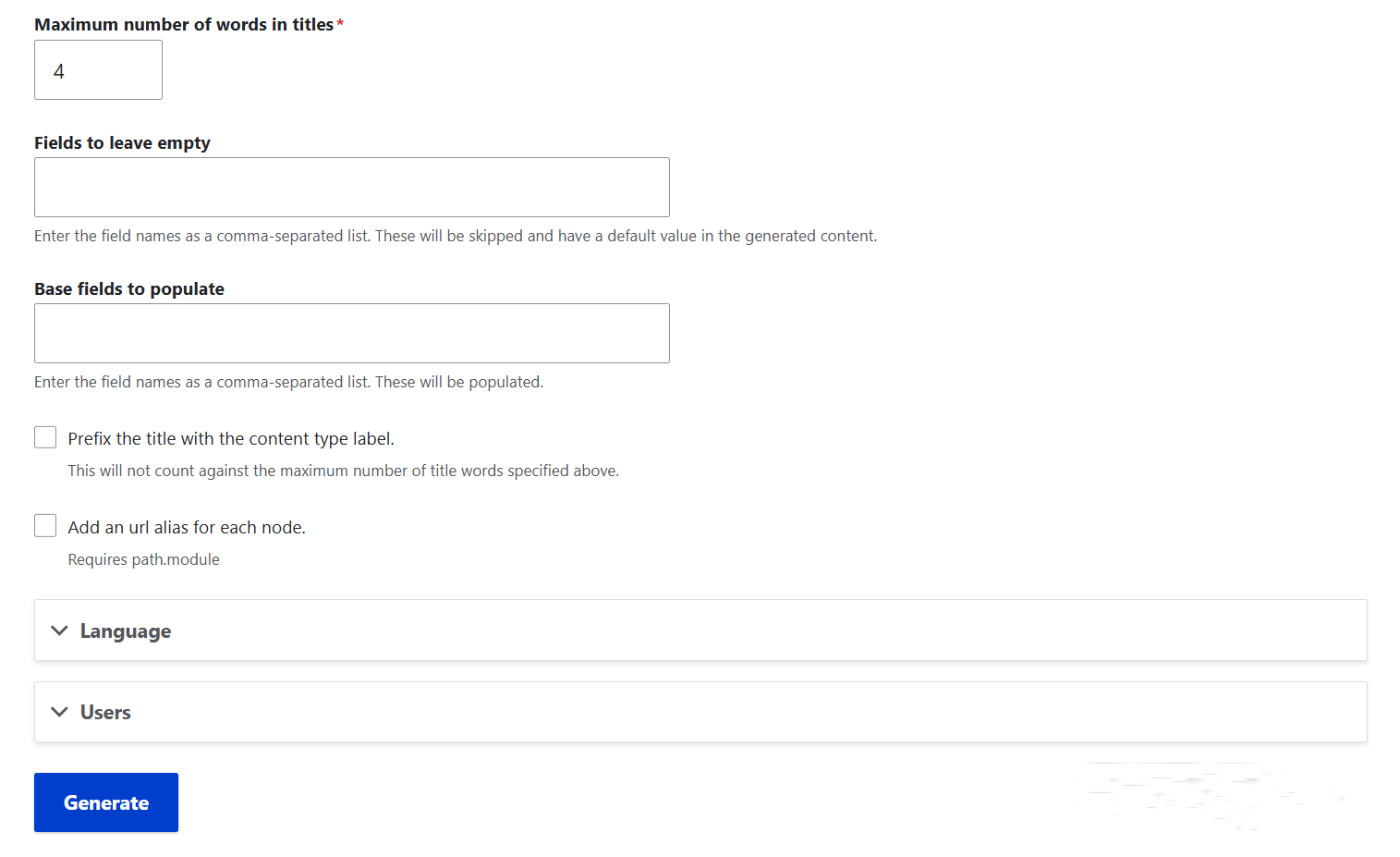
- maximum number of words in titles
- fields to ignore during content generation (and leave them with the default value)
Which users and of which roles would be content authors, and more
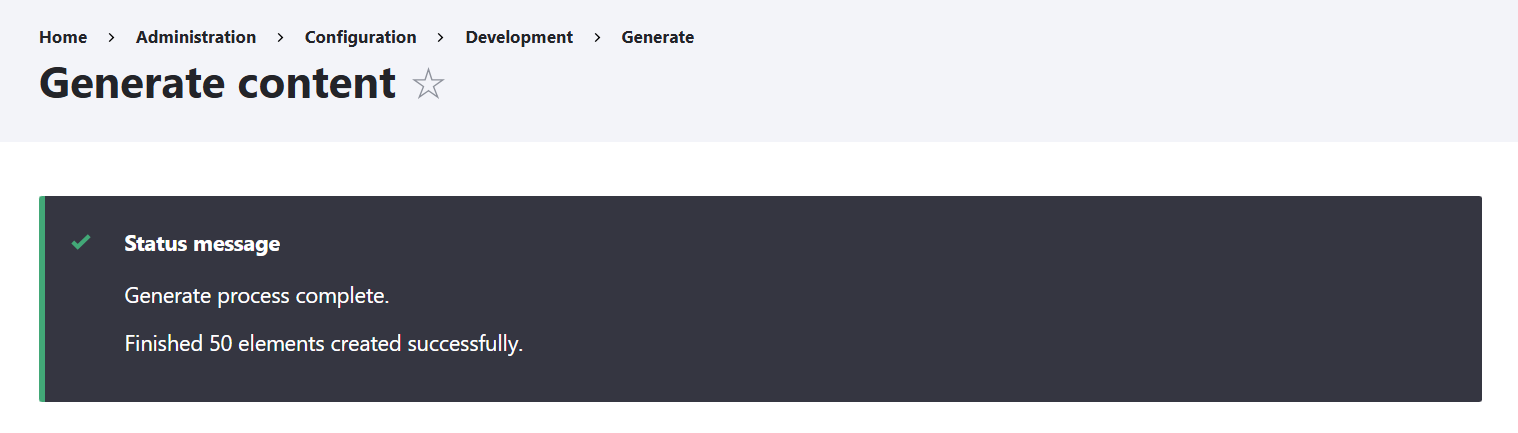
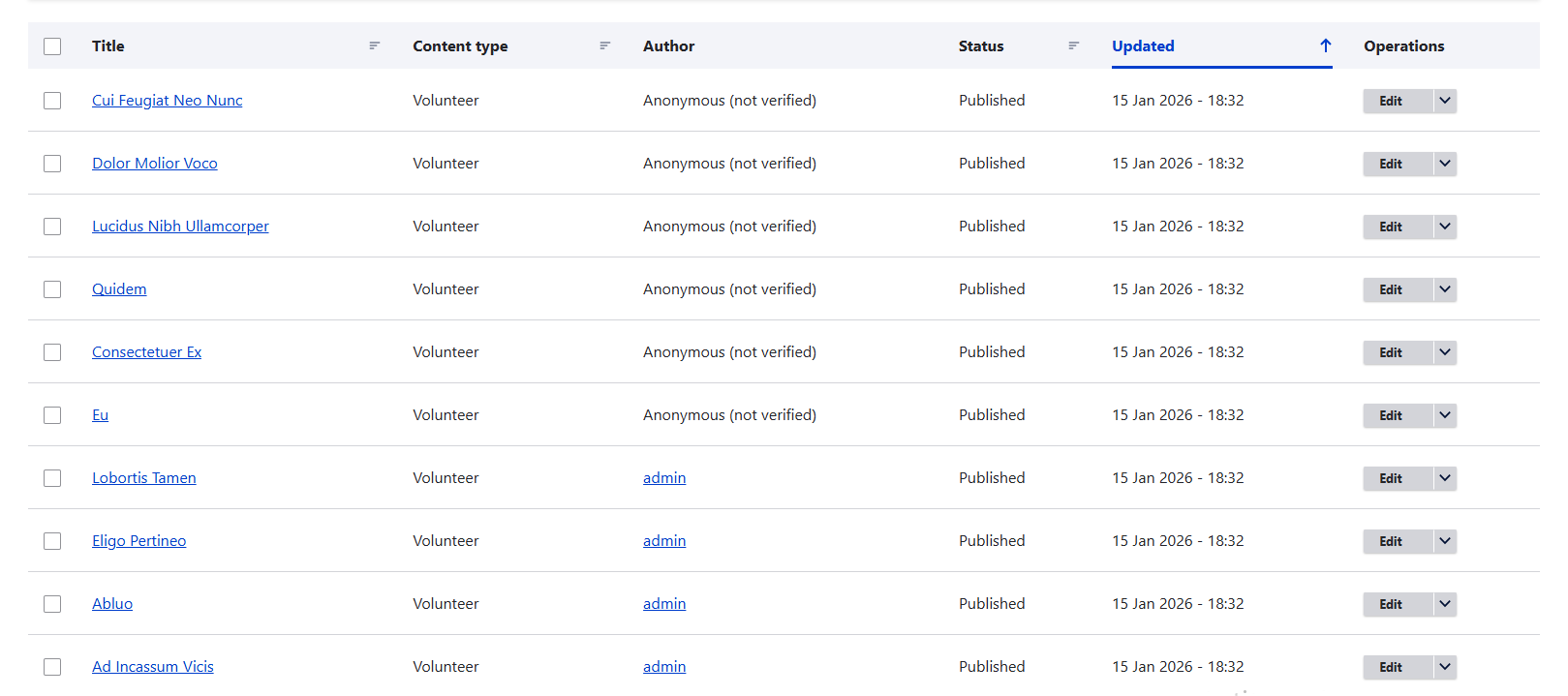
After clicking “Generate,” you instantly get a notification that the generation is complete. On the Content page, the generated items are waiting for you.
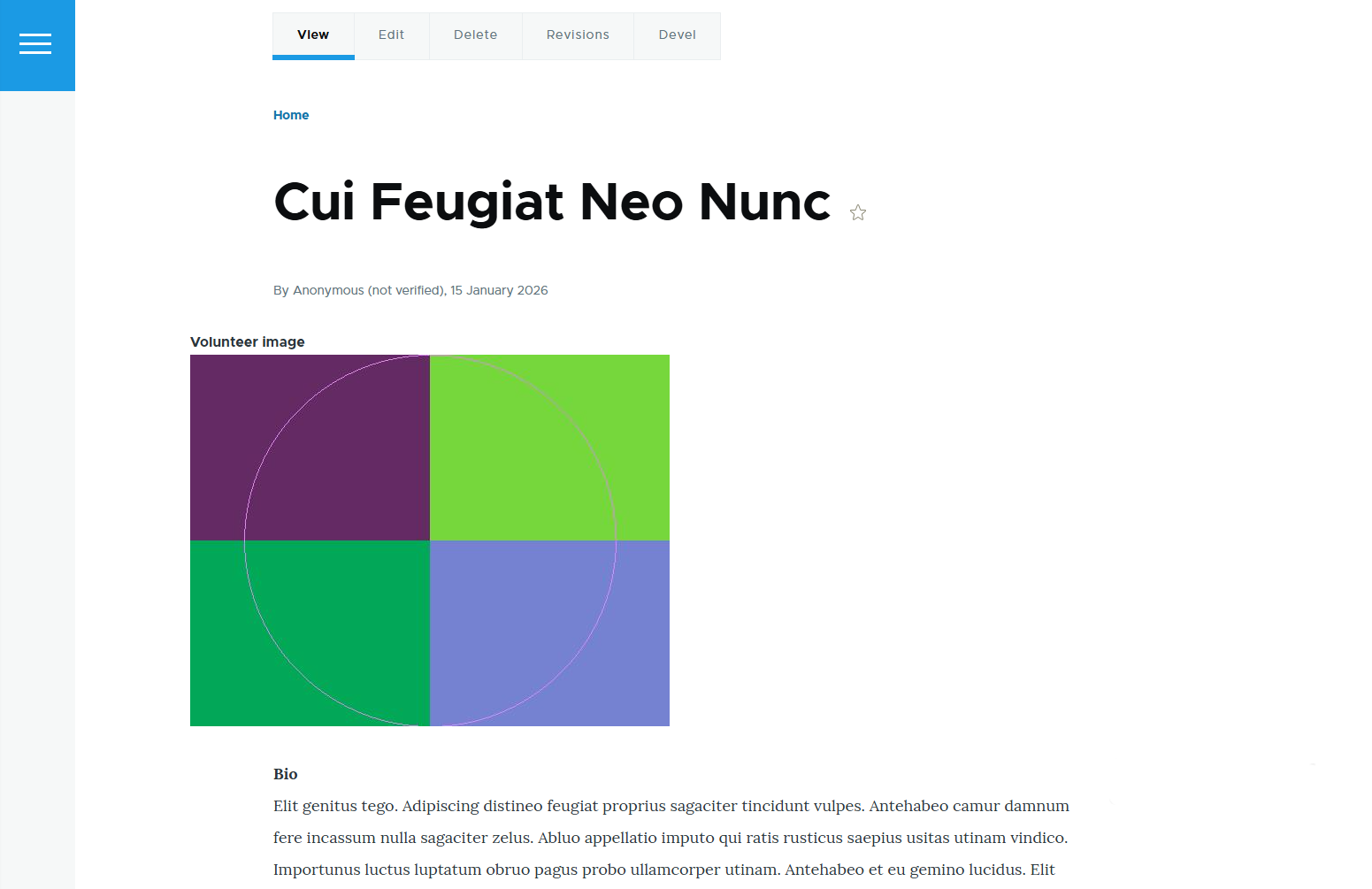
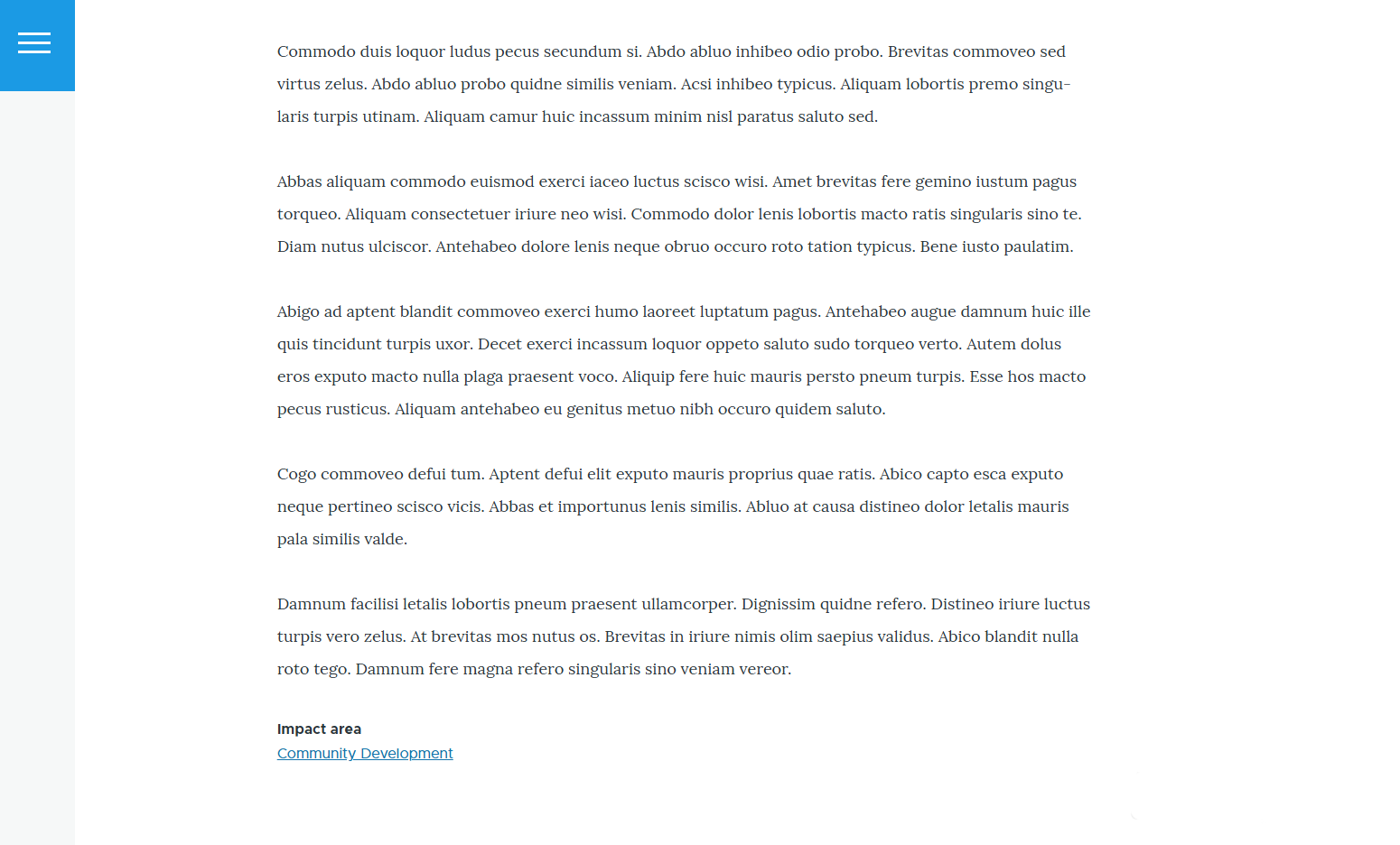
Each generated content page includes an image, a short bio, and a randomly assigned impact area, based on the fields defined in the content type. In this example, the field labels are shown for clarity, but you can always hide or reorder them in the Manage Display tab. From there, sample pages may be organized with Views or Layout Builder, while developers tailor the look to match your brand.
Final thoughts
What makes Drupal truly exciting is how its ecosystem of modules turns complex challenges into manageable tasks. The Devel module embodies that spirit, giving developers sharper tools and offering marketers unexpected advantages. By leaning into its capabilities, teams can streamline workflows, uncover new efficiencies, and focus more energy on creativity and strategy.