
Keeping Your Content Yours: Intellectual Property Protection in Drupal

Every piece of content has a story behind it: someone invested their time and effort into creating and shaping it. However, that story can easily get lost when it’s live on the web. Images and text “travel” across the Internet and get reused without due respect for their creators.
April 26 brings World Intellectual Property Day as a perfect reminder to protect creativity in the digital sphere. Drupal offers multiple ways to create modern and practical IP protection on your site that can be a great addition to your broader Drupal security policy.
This article walks through the top techniques that protect intellectual property in Drupal. Each can be implemented step by step on your Drupal website, helping you build a publishing environment where rights are respected and signals are visible.
Ways to protect intellectual property on your Drupal site
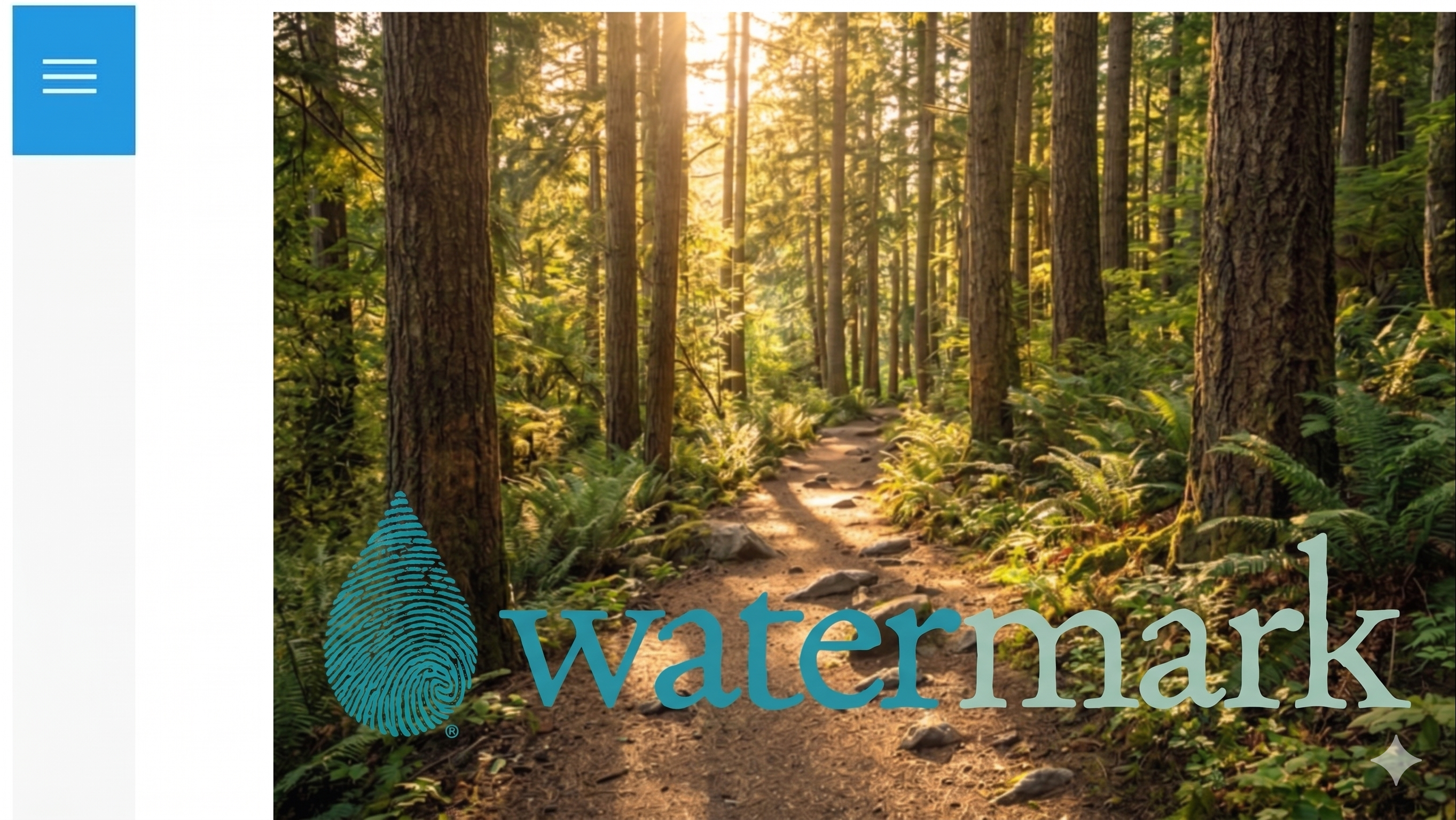
Image watermarking
Image watermarking is one of the first things that comes to mind when thinking about protecting your intellectual property. It’s immediate, visible, and sends a clear signal: this visual content belongs to someone.
In Drupal, it is handled through contributed modules that work in tandem with Drupal’s core Image Styles system. Image Styles automatically apply various effects to images, and watermarking can be one of these effects, alongside cropping, scaling, or others.
Once set up with Image Styles, every image derivative carries the watermark without extra effort from editors. You can choose to mark only the images in a specific content type, like articles, galleries, or testimonials. This becomes especially useful when you want to protect images in specific contexts without affecting the entire site.
One of the most lightweight and straightforward tools that performs the actual watermarking together with Image Styles is the Basic Watermark module. We featured it in our Drupal image optimization module collection. All you need is a transparent PNG image to use as your watermark. You can upload it to your site’s file system or Media Library, or reference an external image via a URL. Then go to Configuration > Media > Image styles, edit an existing style or create a new one, and add the watermarking effect. The module allows you to control the position of the mark within the image, so it fits naturally into your design.
Watermarking is more of a visible signal rather than a complete safeguard. Used thoughtfully, it becomes less about strict protection and more about clearly communicating ownership in a way that feels consistent with the design. It discourages casual reuse and reinforces authorship, but the images can still be altered or cropped. That’s why it works better when combined with other intellectual property protection techniques that we’ll discuss next.
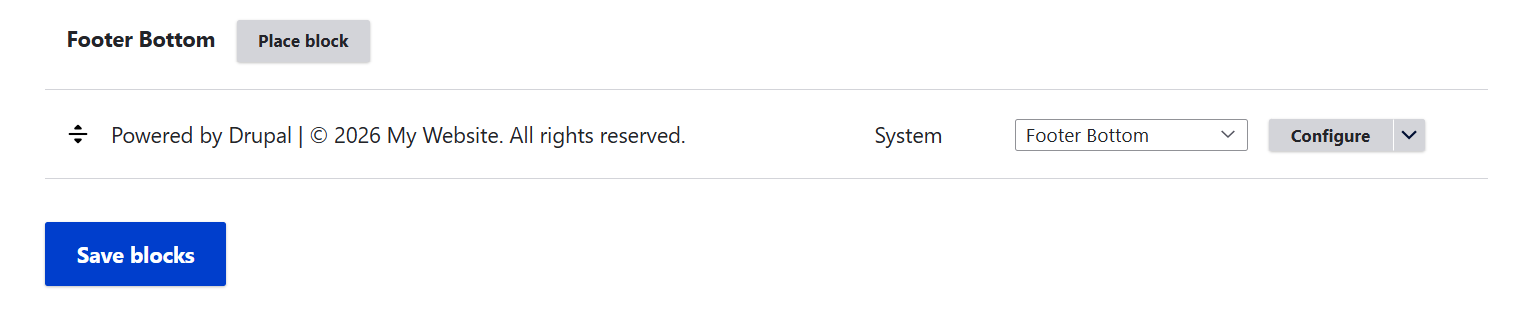
A copyright notice
Copyright applies automatically to original content the moment it’s created. Adding a notice in your footer or metadata doesn’t grant new rights, but it signals ownership and makes enforcement clearer. A line as simple as “© 2026 My Website. All rights reserved.” helps establish a baseline of protection and complements other measures.
Embedding license information
You can add licensing data to your content types via Drupal fields. Common patterns include showing the license information next to content, adding a short credit line such as “Photo by Alice May”, including a compact “Usage Notes” section based on licensing fields, and so on. These elements don’t enforce restrictions directly, but they shape how users perceive and reuse content.
Widely recognized systems like Creative Commons make this even easier, with standardized license types (such as CC BY 3.0 or CC BY 4.0) that help users quickly understand how content can be used.
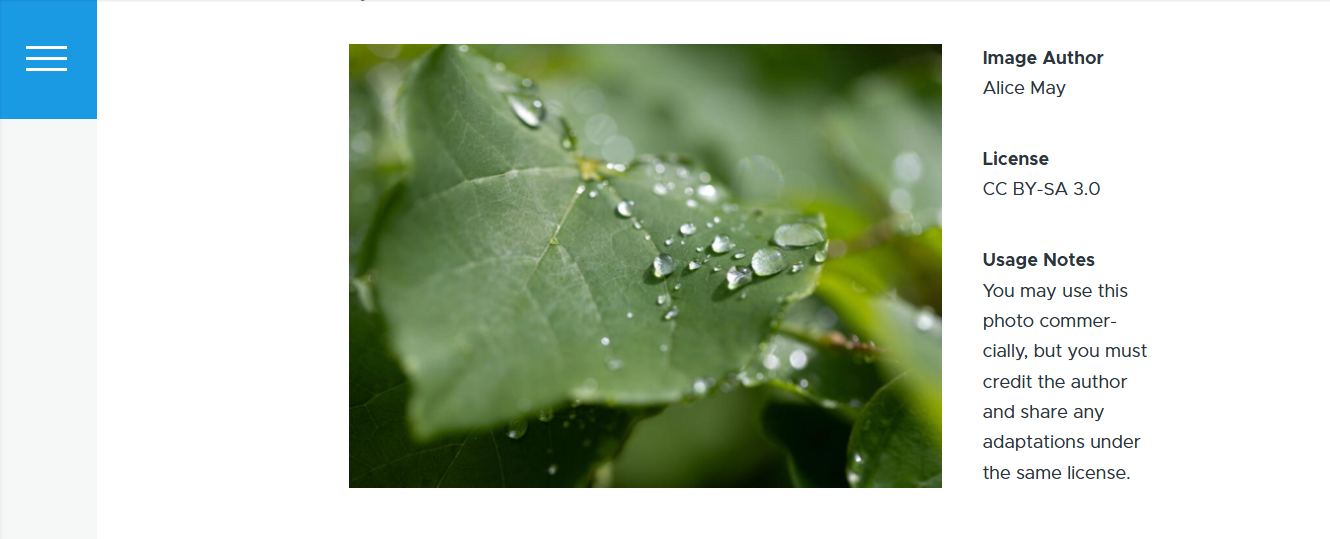
For more lightweight experiences, you can introduce the licensing information in icons or tooltips.
Smart licensing metadata
Adding metadata will ensure that each page carries a machine-readable ownership signature that extends beyond the visual interface.
The Metatag module allows you to output the licensing field values into a page’s HTML using tokens — placeholders that pull values directly from your fields. For example, a license field can be inserted into metadata using a token like [node:field_license].
The Schema.org Metatag module then maps those values to Schema.org properties and outputs them as JSON-LD, a machine-readable format that helps search engines, aggregators, and AI systems interpret content more accurately.
Controlled access
Another way to protect intellectual property is to control how files are delivered in the first place. Drupal excels here thanks to its flexible access system, where the options to view or download content or media can be tied to permissions, roles, and delivery rules.
Access control shifts the focus from “protecting the asset itself” to “controlling the conditions under which it is delivered or viewed.”
Private file system
A good starting point is Drupal’s private file system. Files stored here are not directly accessible via a public URL. Each request goes through Drupal, which checks permissions before delivering the file.
Contributed modules for finer control
Some contributed modules add layers of restriction and security, providing granular control over who can view or download specific files or view content. Among them are:
- Protected Download
- Webform Protected Downloads
- Encrypted Files
Protected File (from download)
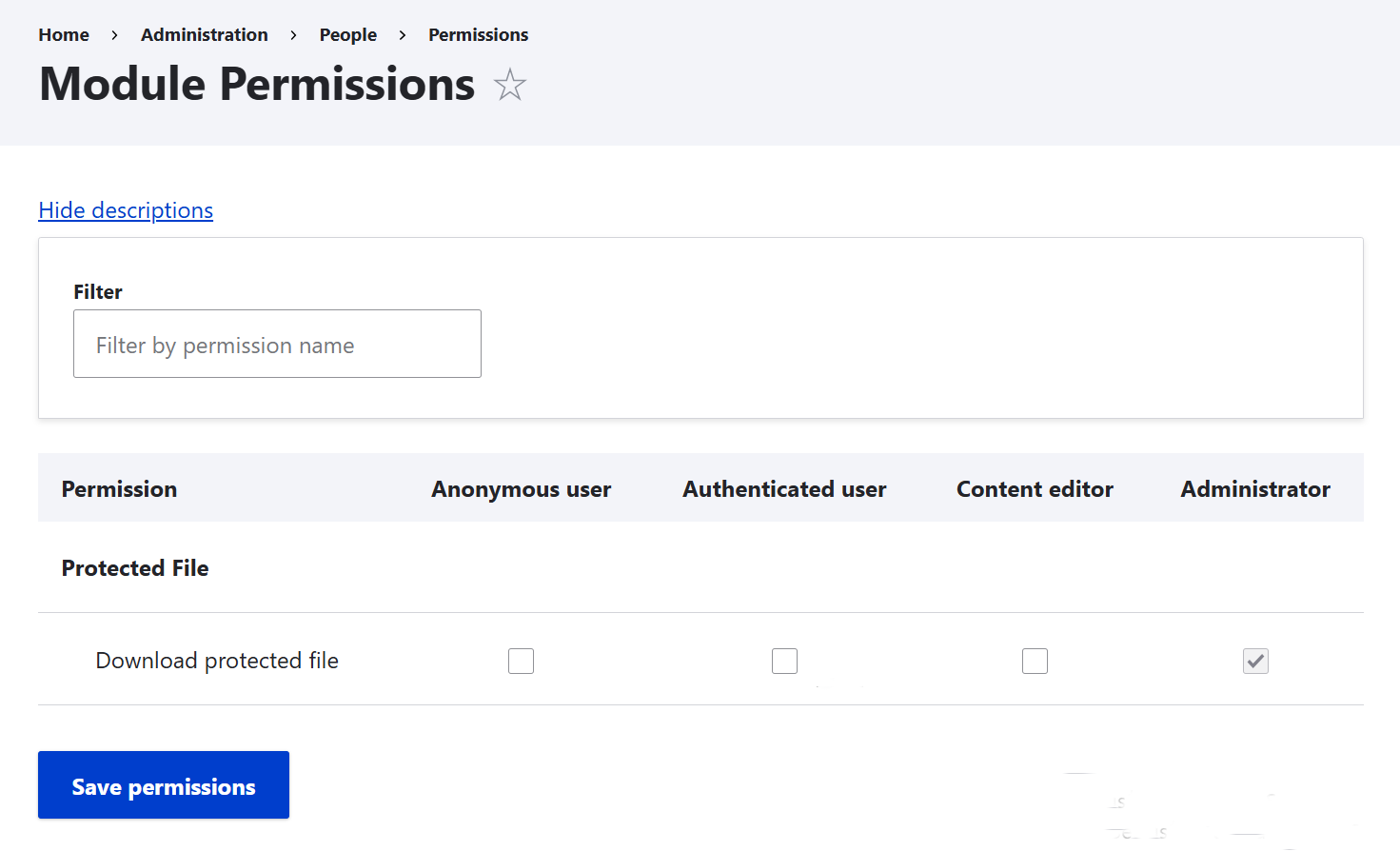
The main permission settings of the Protected File module in Drupal
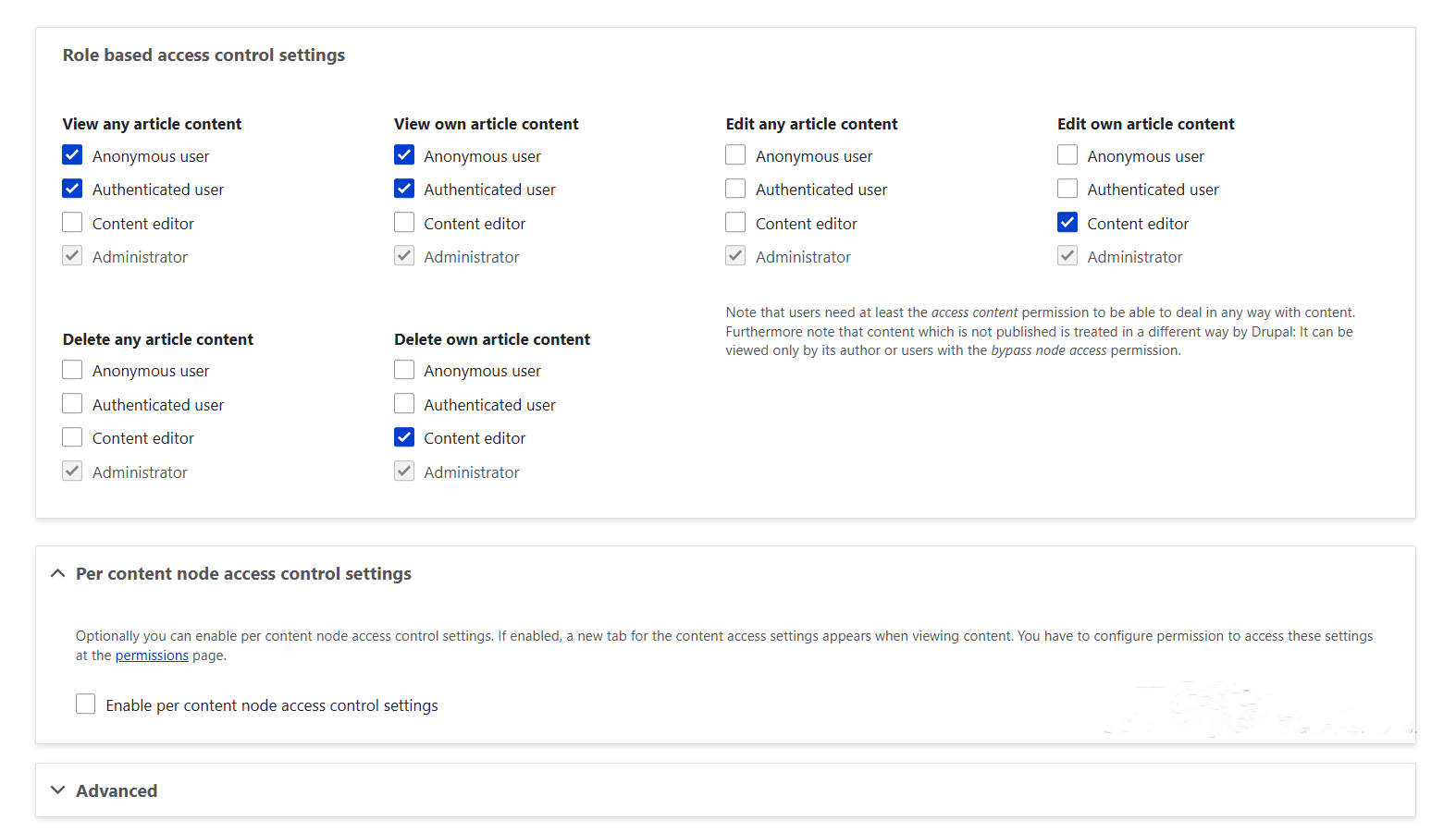
Advanced delivery patterns
You can generate URLs that work only for a limited time, often used for premium downloads or client‑only materials. Derivative control lets you serve lower‑resolution or watermarked previews publicly (via Image Styles or Media), while keeping originals in private storage for authorized users.
AI and scraping protection
Content today isn’t only consumed by people. Automated systems, from search crawlers to AI models, actively scan and reuse material at scale. The question shifts from “Can someone copy this?” to “Who is allowed to process this, and under what conditions?”
Drupal doesn’t block AI crawlers on its own, but it gives you ways to define boundaries:
- Crawler directives: Use robots.txt and HTTP headers to tell bots which areas should not be accessed. Traditional search engines often respect these rules, while newer AI crawlers vary — making explicit signals more important. Discover how to use robots.txt in Drupal and how to control HTTP headers with the Security Kit module.
- Metatag signals: Extend directives with meta tags like ‘noai’ (don’t use for AI training) or ‘noimageai’ (restrict images). These aren’t universally enforced yet, but they’re increasingly recognized.
- Infrastructure protection: Reverse proxies or CDNs can add rate limiting, bot detection, and traffic filtering. Drupal integrates well here, letting you restrict routes, monitor unusual requests, and combine caching with access rules.
- API awareness: If your site exposes JSON API or other endpoints, review what’s public. Limit fields, require authentication, or disable unnecessary endpoints to prevent bulk scraping.
This isn’t about absolute prevention because this enforcement is imperfect. But by combining technical controls with clear licensing metadata and other techniques, you make your intent visible and machine‑readable, which is becoming a key part of a modern intellectual property strategy.
Audit and accountability
Once content is published, restriction alone isn’t enough — you also need traceability. Logging and monitoring extend traceability into compliance.
- Revisions and logs: Every update can be stored, compared, and attributed to a user.
- Core logging tools: Database Logging and Syslog record access attempts.
- Audit records: Access events and downloads build a trail of how content is used.
- Checksums or hashes: They provide unique fingerprints for files, stored with media items.
- Audit Log module: It offers structured records of activity beyond core logging.
- Contributed modules: Monitoring and ECA (Event–Condition–Action) track who downloaded what and when.
These measures don’t stop misuse directly, but they build a reliable narrative of authorship and usage. This adds transparency and strengthens your ability to prove ownership if disputes arise.
Final thoughts
Each of these approaches contributes to protecting intellectual property across your Drupal site. On their own, they offer value, but when combined, they reinforce one another and create a more resilient system.
The goal isn’t to apply everything at once, but to choose a set of techniques that fits naturally into your publishing workflow. When they are implemented well, ownership remains consistent, without adding friction for editors or users.